I posted the same photo twice — same edit, same hashtags, same time of day. Different captions. One got 180 likes and died. The other hit 4,200 likes, 300 comments, and someone DMed asking how I wrote it. The only variable was the caption strategy.
Instagram captions are one of those things that look simple and are deceptively hard. You have an image you love, you know what you want to say, and then you stare at the compose box for ten minutes and write something that sounds like everyone else.
The problem with using ChatGPT for captions the usual way — “write me an Instagram caption about this sunset photo” — is that you get exactly what everyone else who asked that question got. Generic. Safe. Forgettable. The words that come out of a generic prompt are the words that scroll past without stopping thumbs.
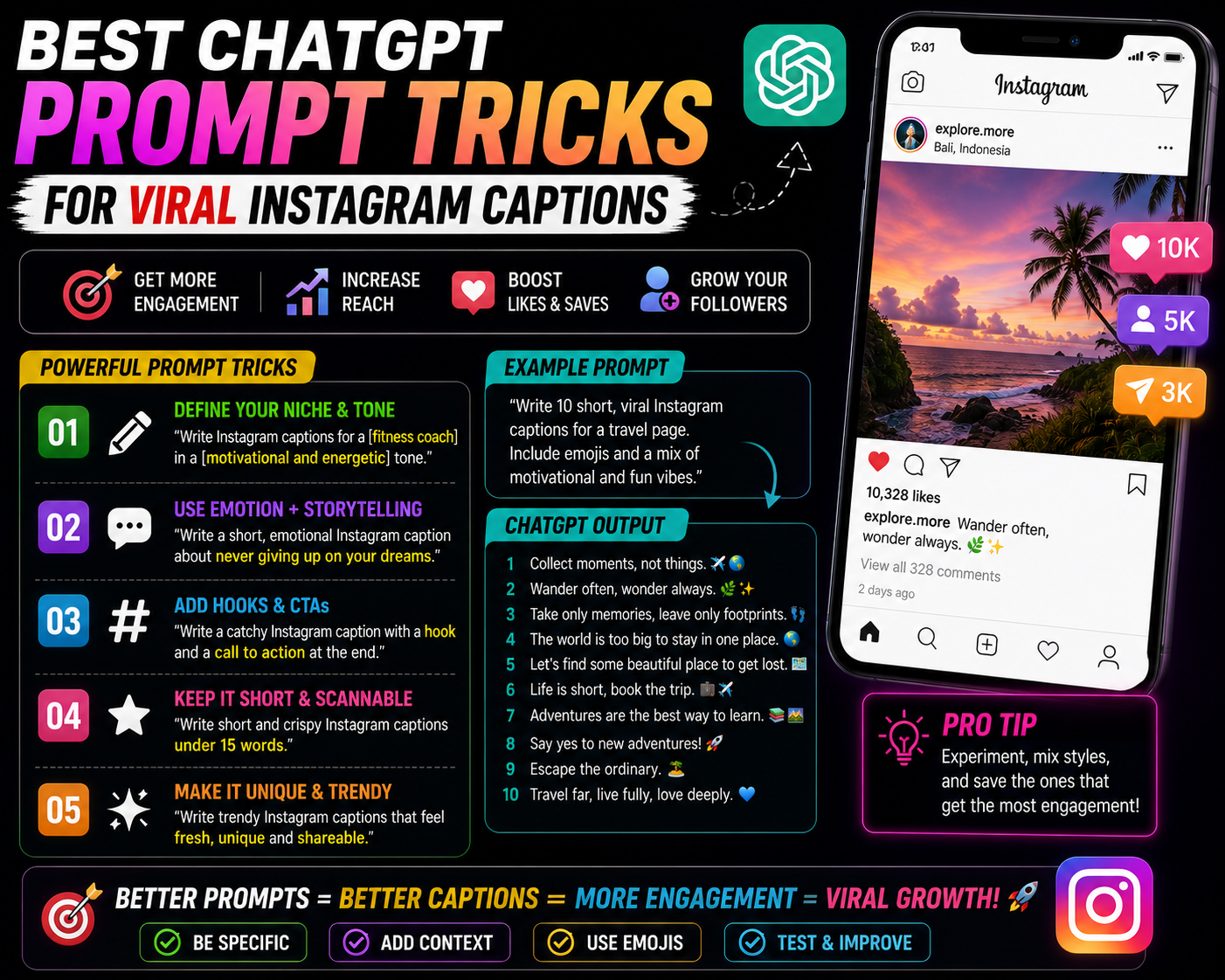
The prompts that actually produce shareable captions are more specific than that. They give ChatGPT a human context, a specific emotional target, and a format that’s already been proven to work on Instagram. Here’s the full system.
Why Generic ChatGPT Captions Don’t Work
When you ask ChatGPT for an Instagram caption without much context, it pulls from its training data — which is heavily weighted toward examples of “how to write Instagram captions” content. Those articles teach the same generic formulas: ask a question at the end, use relevant emojis, add a call to action. The resulting captions sound exactly like the advice you’d find in a beginner’s guide to Instagram marketing.
Viral captions don’t sound like marketing. They sound like thoughts someone had at 2am that they almost didn’t post.
The trick is giving ChatGPT enough context to generate something that sounds personal and specific — even when you’re the one providing the personal and specific details, and it’s just structuring them well.
Every caption prompt needs three things: the emotion or theme you want to evoke (not just the topic), the audience you’re writing for (specifically), and the format or length you want. Without these three, ChatGPT defaults to safe and generic. With them, it can produce something genuinely sharp.
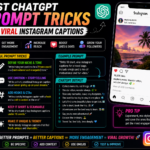
The Eight Prompt Tricks That Actually Work
The most-saved caption format on Instagram is the relatable observation — a statement that makes someone stop scrolling and think “this is exactly how I feel but I’ve never been able to articulate it.” These require emotional specificity that generic prompts don’t produce.
Captions that set up a tension — something that seems like one thing and reveals itself to be another — consistently outperform straightforward statements. They keep people reading past the first line to get the resolution.
Captions that open with a single specific detail — a scene, a time, an exact moment — stop thumbs better than general statements. Giving ChatGPT a real detail from your life to build around produces these naturally.
Mild disagreement with conventional wisdom in your niche generates comments fast. When people see a perspective they partially disagree with, they engage — which is exactly what the algorithm rewards.
“Viral captions don’t sound like marketing. They sound like thoughts someone had at 2am that they almost didn’t post.”
Captions that give people “permission” to feel or do something they’ve been quietly wanting — to rest, to say no, to be proud of small wins — consistently generate high save rates. Saves signal that the caption is personally meaningful, which tells the algorithm to push it further.
Changing from “I” to “we” or “you and me” in a caption creates instant community. It signals that this is a shared experience, not a personal broadcast — and shared experience is what drives shares and tags.
Captions that hint at something without completing the thought — or end with an unresolved question — keep people in the comments or returning to the post. It’s a deliberate incompleteness that creates engagement.
This is the one that makes the biggest difference for creators who already have a distinct voice. You give ChatGPT examples of your existing best captions and ask it to match that voice for a new one.
1. [paste caption 1]
2. [paste caption 2]
3. [paste caption 3]
Analyze the voice, rhythm, and tone of these captions. Then write 5 new captions about [new topic/photo] in exactly that voice. Match the sentence length patterns, punctuation style, and emotional register. Do not make it more formal or more inspirational than the examples provided.
How to Use These in Your Daily Posting Workflow
The Caption Mistakes That Kill Reach
ChatGPT captions have a detectable register — slightly too well-structured, slightly too balanced, occasionally using phrases like “the truth is” or “at the end of the day” in ways that feel hollow. Your followers may not be able to articulate what feels off, but they feel it. Always edit. At minimum, read it aloud and change anything you’d never actually say.
Instagram advice tells you to always end with a question to drive comments. The problem is that everyone does this, the questions are almost always generic (“What do you think?” “Tag someone who needs this!”), and audiences have learned to ignore them. The prompts above avoid this. If you want engagement, the question — if used at all — needs to feel genuinely curious rather than mechanically placed.
If you post the same emotional observation format every day, your audience adapts to it and the novelty disappears. Rotate between the formats above. Mix a personal story one day with a contrarian take the next. The variety keeps the feed feeling fresh even if the visual aesthetic stays consistent.
Instagram’s algorithm is increasingly able to detect inauthentic engagement patterns — not just bots but accounts where captions and comments don’t match the account’s established voice. Building captions with AI assistance is different from building an account persona with AI — the former is a writing tool, the latter is a trust problem. Use these prompts to write better, not to pretend to be someone you’re not.
What Changed After I Started Using These Properly
That 4,200-like caption from the beginning of this article — it came from Trick 1 combined with a personal detail I’d given ChatGPT about feeling stretched thin across multiple life phases in my mid-twenties. The caption it produced was about that feeling but phrased in a way I wouldn’t have arrived at myself. I edited two words and posted it.
The comments were people tagging their friends saying “this is you right now.” One person said “I screenshot this at 2am and sent it to three people.” That’s the save-and-share behavior the algorithm rewards — and it happened because the caption hit a specific emotional note that a generic prompt wouldn’t have found.
The specific detail I gave was the seed. ChatGPT structured it. My edit made it mine. That combination produced something neither I nor the AI would have generated alone.
Start with Tricks 1 and 3 — the relatable observation and the specific story hook are the most versatile and work across any niche. Always ask for five options. Edit before posting. Track which formats your specific audience responds to, because niche and audience matter more than any single formula. The goal isn’t AI captions — it’s better captions that sound like the most articulate, self-aware version of you. That’s what ChatGPT can help you find, if you give it enough to work with.