From assignment panic at midnight to finishing a week early — the tools that actually changed how studying works.
My younger sister called me at 11pm two semesters ago, properly panicking. She had a 3,000-word literature review due the next morning, a stack of twelve research papers she hadn’t fully read, and absolutely no idea where to start. She wasn’t asking me to write it for her — she just needed to understand the papers fast enough to write something coherent herself.
I told her to open NotebookLM, upload all twelve PDFs, and start asking it questions. By 2am she had a draft. Not a finished one — she still had to write it herself — but she understood the papers, had her arguments sorted, and knew which sources supported which points. She got a B+. Not bad for someone who was ready to fail at 11pm.
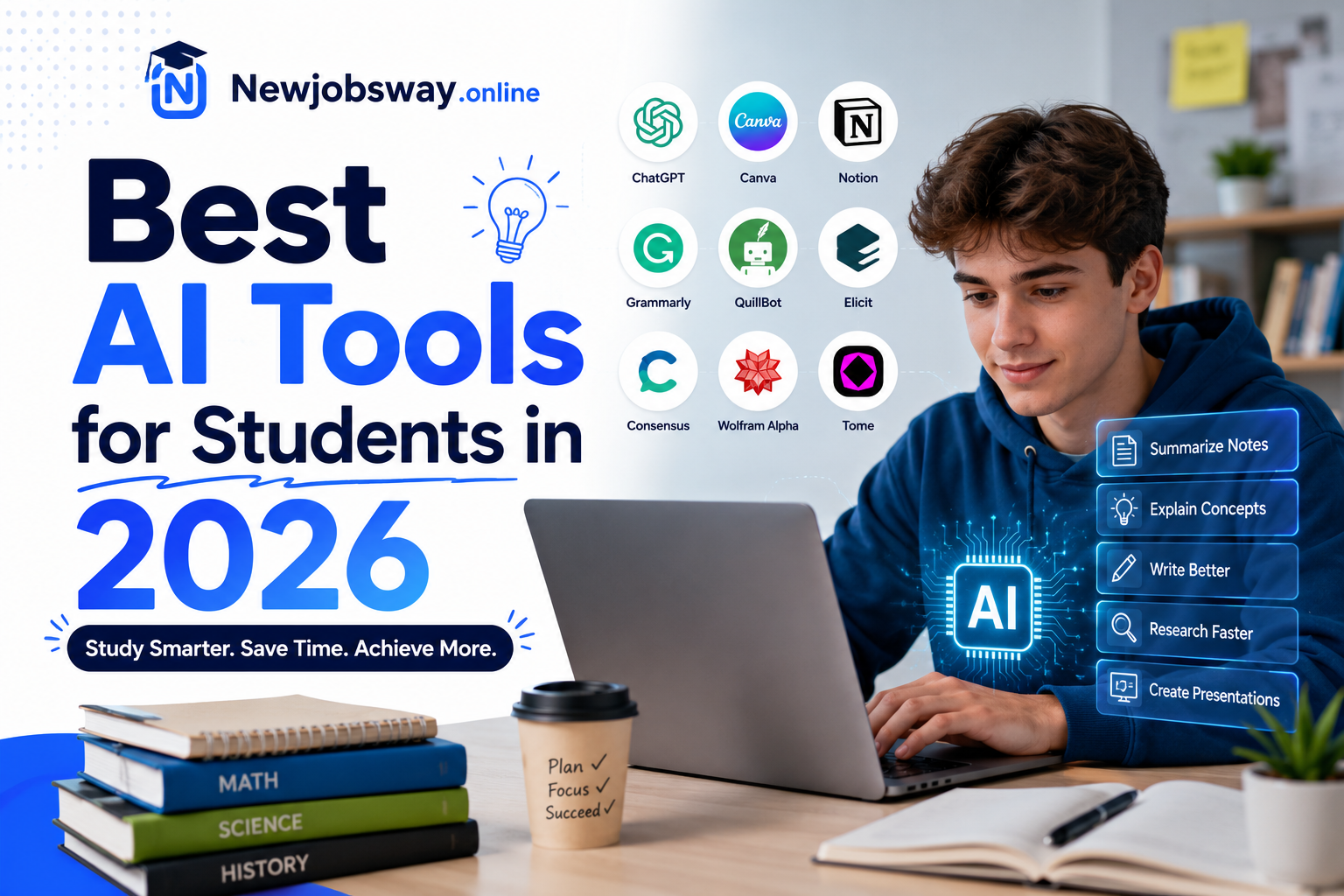
That night changed how I think about AI tools for students. They’re not about cheating. The actually useful ones are about collapsing the time it takes to get from “I have no idea” to “I know enough to start.” Here’s what’s worth using in 2026 — and more importantly, how to use each one without getting yourself into trouble.
The Tools That Genuinely Matter
For Research & Reading
This is the one I recommend first to every student I know. You upload your own sources — PDFs, lecture notes, textbook chapters — and it becomes an AI that only knows what you’ve given it. Ask it to summarize a paper, find contradictions between sources, or explain a concept using only your uploaded materials. The key thing is it cites everything, so you can verify every claim against the actual document. For literature reviews, dissertations, and research assignments, nothing else comes close for sheer usefulness.
For Writing & Editing
I use this differently from how most students use AI writing tools. Instead of asking it to write things for me, I paste my own draft and ask it specific questions: “Where is my argument weakest?” or “Does paragraph three actually support my thesis?” or “What’s missing from this analysis?” It’s like having a writing tutor available at 2am who won’t judge you for a messy first draft. The feedback is genuinely useful — not just grammar corrections but structural issues you wouldn’t catch yourself after staring at the same page for three hours.
For Note-Taking & Lectures
If you’re in lectures that move fast, Otter records and transcribes in real time. More useful than that: it lets you search the transcript after and highlights key terms. I used it through an entire semester of economics lectures and stopped worrying about missing things while copying notes. The summary feature condenses a 90-minute lecture into the ten things that actually mattered. One thing to check first — some universities have policies about recording lectures, so ask before you use it.
For Math & Problem Sets
These are two different tools but I always mention them together because they do different things. Wolfram Alpha is for understanding — type in any equation or concept and it shows you the full working, graphs, related formulas, and plain-English explanations. Photomath is for checking your work — photograph a handwritten equation and it walks through the solution step by step. The critical thing: use Photomath to check your answer after you’ve attempted the problem, not before. Using it as a shortcut trains you to fail on exams.
For Presentations
Making presentation slides has always felt like a massive time sink for something that shouldn’t take that long. Gamma changed this for me. You give it your content — bullet points, a document, even just a topic — and it generates a properly structured slide deck with decent design in about two minutes. You then edit, adjust, and add your own material. The output isn’t always perfect but it’s a starting point that would have taken two hours to get to manually. For group projects where nobody wants to do the slides, this is a life-saver.
For Language Learning & Translation
DeepL is flat-out the best translation tool available and it’s free. If you’re studying in a second language or your sources are in another language, DeepL is the one to use — it handles nuance and academic language far better than Google Translate. Duolingo Max added a conversation mode where you can practice speaking with an AI tutor that responds naturally. If you’re learning a language for university requirements, Duolingo Max is more useful than it sounds — you can practice specific scenarios like academic discussions or presentations.
For Coding & CS Students
If you’re studying anything computer science related, your university almost certainly qualifies for the GitHub Student Developer Pack, which gives you Copilot Pro free. Copilot suggests code completions as you type and can explain what any piece of code does. The trap most CS students fall into is letting it write entire functions for them without understanding the logic — which means they can’t debug when it goes wrong. Use it to explain code you’ve already written, not to write code you haven’t understood yet.
Quick Reference
How to Actually Build This Into Your Study Routine
Having the tools is one thing. Using them in a way that actually helps your grades — and doesn’t make your professors suspicious — is another. Here’s the workflow that works:
- Start every new topic with NotebookLM. Upload your lecture slides, readings, and any relevant papers before the week starts. Spend 20 minutes asking it questions to get oriented. This replaces the aimless “I don’t know where to begin” phase that eats hours.
- Write your first draft completely alone. No AI, no autocomplete, just you and a blank document. It doesn’t have to be good. This is the draft you’ll improve, not the draft you’ll submit.
- Paste that draft into Claude and ask for structural feedback only. “Does my argument flow?” and “What am I missing?” — not “fix my sentences.” This keeps your voice in the work.
- Do your maths problems by hand first, then check with Wolfram. If your answer is wrong, use Wolfram to find where your logic broke down — not to copy the solution. The mistake is where the learning is.
- Use Otter recordings to review weak spots before exams. Search your transcript for terms you’re fuzzy on and re-listen to just that part of the lecture. 20 minutes of targeted review beats two hours of re-reading full notes.
- For presentations, build the content outline first, then use Gamma. Give Gamma your outline rather than just a topic. The slides will be closer to what you actually need and require less editing.
The Honest Conversation About Academic Integrity
This section matters, so I’m going to be straight about it.
Using AI to write your assignment and submitting it as your own work is the kind of thing that can get you expelled. Universities have AI detection tools now, and even if those tools aren’t perfect, the risk isn’t worth it. Beyond the academic consequences, you’re also spending money on a degree that teaches you nothing — which is a terrible deal.
But there’s a lot of space between “AI wrote my essay” and “I never touched AI.” The tools in this article are designed to help you learn and work faster, not to bypass the learning. The difference is whether the thinking is yours.
AI policies vary wildly between institutions and even between departments. Some allow AI for research and brainstorming but not for drafting. Some require disclosure. Some ban it entirely for certain assessments. Read your course handbook before you start using any of these tools for graded work. “I didn’t know” is not a defence in academic misconduct proceedings.
Mistakes Students Keep Making
This is the big one. Language model AI — including the ones in this list — can confidently state incorrect information. Dates, statistics, quotes, citations: always verify against the original source before you put it in your work. NotebookLM is safer than most because it’s grounded in your own uploaded documents, but even then, check the citation it gives you actually says what it claims.
Asking an AI “find me five sources about climate policy” is a recipe for made-up citations. It will produce author names, journal titles, and publication years that sound completely real and don’t exist. Use Google Scholar, your university library database, or Semantic Scholar for finding actual sources. AI is for working with sources you’ve already found, not finding them.
A student whose writing I was helping last year sent me two versions of the same paragraph — her original and an “improved” AI version. The original had personality, specificity, a real argument. The AI version was polished and completely generic. She almost submitted the AI version. Your academic writing voice develops over years; running everything through AI polish strips it out and also makes detection more likely.
The biggest benefit of these tools isn’t rescuing you at 11pm — it’s making 11pm crises not happen. If you use NotebookLM to process your readings at the start of each week instead of the night before the deadline, you go into assignment writing with your thinking already half-done. That’s where the real time saving is.
What’s Actually Changed Since Last Year
In 2024, most of these tools were impressive but clunky. NotebookLM couldn’t handle large document sets without getting confused. Otter’s summaries were hit-and-miss. Gamma’s designs looked noticeably AI-generated.
In 2026, the gap between “AI-assisted” and “done manually” has narrowed enough that most of these tools genuinely save significant time without obvious quality loss. NotebookLM can now handle 50+ documents in a single notebook. Otter’s summaries are reliable enough that I’d trust them for revision. Gamma’s outputs require a fraction of the editing they used to need.
What hasn’t changed: the thinking still has to be yours. The AI can compress the time it takes to gather information, organize research, check your work, and generate starting points. But the argument, the analysis, the interpretation — that’s still the part that makes a degree worth having.